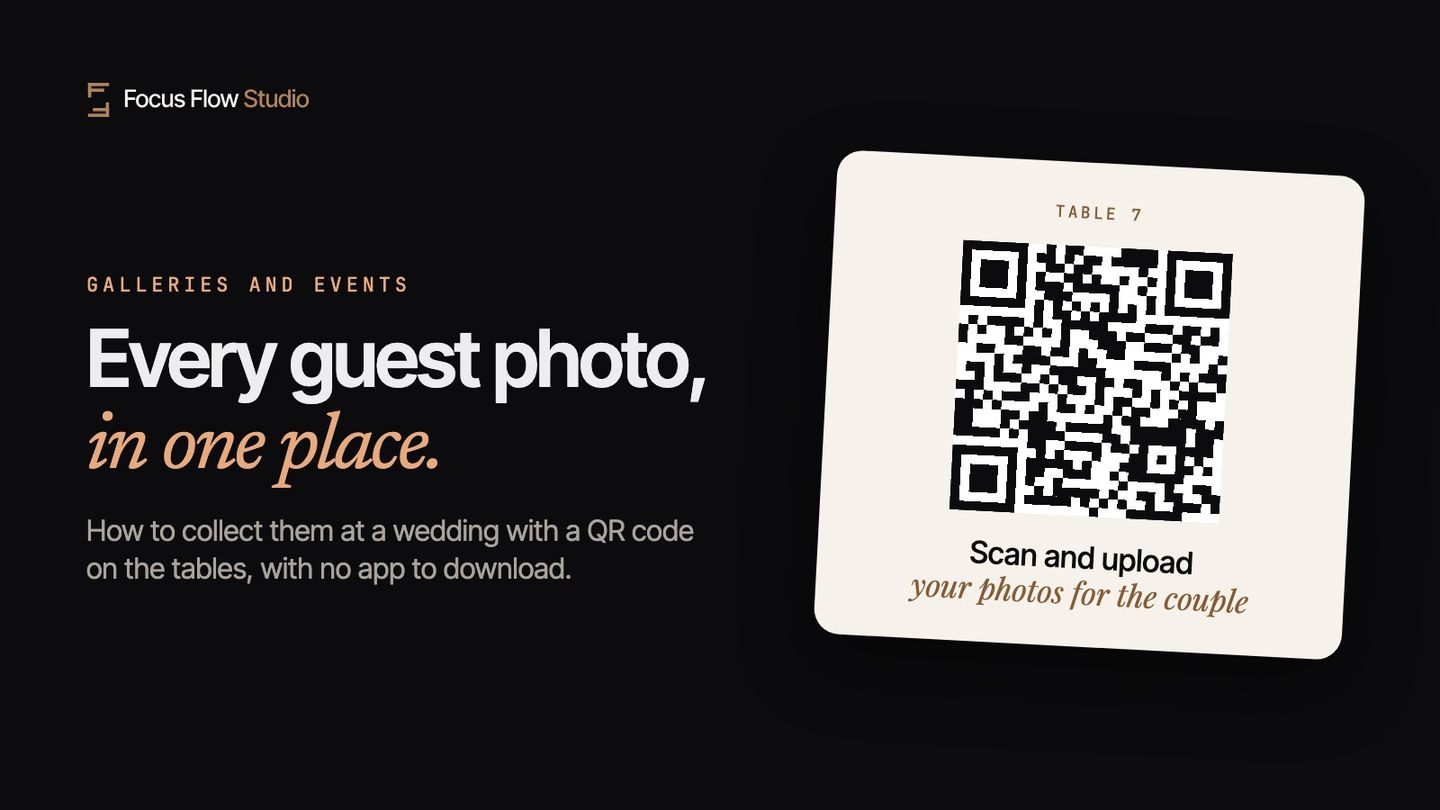
Wedding guest photos are easy to take and hard to collect. The trouble starts afterwards: the photos stay on phones, scatter across a dozen chats, and the couple gets a small part of them, often compressed. A QR code is a simple way to fix that.
I'm a wedding photographer in Rome. Guest photos don't replace my work: they tell the day from other angles, the tables, the friends, the moments when I'm somewhere else. Couples value them a lot. For you, as a photographer, collecting them can become an extra service to offer, paid or not.
This guide covers the options, setting up a QR code collection, the selfie and privacy, and the move to your delivery gallery.
1. The problem: photos scattered across a dozen chats
At the reception guests take a lot of photos. The next day someone posts them in the group chat, someone else sends them only to the bride, and many never send them at all, because "I'll do it later". A month on, they're spread across dozens of phones.
Three practical problems:
- Photos arrive compressed. Many chat apps reduce the quality. Fine on a phone, not for a print.
- Nobody puts them together. Each guest has their own, and no one has the full set.
- The couple has to chase them. In the weeks after the wedding they message relatives and friends, one person at a time.
That's why many couples want a gallery where guests upload their photos during the party, and to get one they often have to book a separate service from another supplier. If you offer it yourself, alongside your own photos, you take one thing off their list and you have one more service: you can include it as a gift or charge for it.
2. The options: chats, shared albums, apps, QR codes
There are four routes. None is perfect, and it helps to know what each one asks of the guests.
The group chat. Pros: everyone has it. Cons: photos are often compressed, mixed up with the messages, and anyone outside the group is left out.
A shared phone album. Pros: the quality is usually higher. Cons: every guest has to be added, people on a different phone system struggle, and the album lives on one person's account. If they delete it, it's gone.
An app to download. Pros: it usually has more features. Cons: asking every guest, grandparents included, to download an app and create an account during a party is asking a lot. Many won't.
A QR code that opens a web page. The guest points the phone camera at the code and uploads their photos. Pros: nothing to install, every photo in one place, at full quality. Cons: it needs some signal at the venue, and the cards have to be prepared and printed.
For a photographer, a QR code asks little of the guests and leaves you in control: you know where the photos end up and can deliver them with yours. The rest of this guide is about QR codes.
3. How it works with Focus Flow Studio's Live Event, step by step
In Focus Flow Studio, collecting guest photos is called a Live Event. It's a gallery where guests can upload photos and videos while the event is open. Here are the steps.
- Create the gallery and choose Live Event. When you create a new gallery, the form asks what the client should do: pick "Guests upload event photos (Live Event)". Guest uploads are on from the start.
- Add a cover. A Live Event starts empty, and that's fine. In the Look tab you can upload a cover even with no photos yet, for example a simple graphic with the couple's names.
- Publish before the wedding. While the gallery is a draft, anyone who scans the QR code only sees a page saying the gallery hasn't been published yet. A Live Event can be published empty.
- Print the guest QR code. In a Live Event the guest QR code sits at the top of the Send tab, large, with "Print or download the QR code". Careful: the same tab also has the client QR code. That one lets people in as the client, so give it only to the couple. The guest QR code is the one for the tables.
- The guest scans, registers and uploads. Whoever scans it leaves a name and email and can upload photos and videos. They always enter as a guest, never as the client. The page opens in the language of their phone when it's one of the app's six languages (Italian, English, German, Spanish, French, Romanian), handy with guests from abroad.
- Photos arrive straight away. They go into the guest uploads folder, with no approval step.
Two things to know before you offer it.
- Storage. Guest files count toward your account's storage. If it fills up, guests see "This gallery cannot take more files right now. Please let the photographer know."
- It's your call. The client doesn't know about the Live Event until you suggest it, and can't switch guest uploads on or off. You can charge for it as a separate service or offer it as a gift.
4. Privacy: what happens to the selfie
When you suggest guest uploads, couples ask: "Who sees the photos?" and, with face search, "What happens to the selfie?". You need simple, true answers.
Two general rules to start with:
- Whoever uploads should know where the photos go. One line on the card is enough: "The photos you upload go into the couple's gallery."
- Inform the couple and the guests. Guest photos show other people. This isn't legal advice: check with your own adviser what to put in your contract and privacy notice, and let the couple and the guests know how photos and selfies are handled.
In Focus Flow Studio, face search is called "Find your photos": the guest takes a selfie and the gallery shows only the photos they appear in. Here's what happens, in fact:
- It's switched on gallery by gallery. Face recognition is off by default. You turn it on only where it makes sense.
- Consent comes before the selfie. The guest sees two boxes, never pre-ticked: one to consent to face matching, one to confirm they've read the privacy policy. Without both, they can't continue. The same notice says face data is deleted after 90 days.
- The selfie is used only for the comparison. It's analyzed on Focus Flow Studio's servers in the EU, used to find the photos and deleted straight away. It isn't stored, not even if the search fails.
- The gallery's face data has an end date. The numeric face data found in the photos is deleted 90 days after face recognition is switched on, or immediately if you delete the gallery.
- Guests can delete it themselves. After a search, the bar at the top of the gallery shows "Delete my face data".
- The couple chooses what guests see. In their own panel they can decide whether guests see every photo or only the ones they appear in, matched by the selfie. They can also hide from guests the photos they'd rather keep to themselves.
5. Practical tips: QR cards, tables, timing
The technology is the easy part; how you tell the guests makes the difference. These tips work with any tool.
Table cards.
- One QR code per table, not just one at the entrance. Guests look at their phone photos when they're sitting down.
- Big, with little text. One sentence that says what to do: "Scan and upload your photos for the couple."
- Test it beforehand. Print one card and scan it with two or three different phones, in low light too. A QR code that's too small or printed on glossy paper can struggle.
Who puts them on the tables.
You don't need an announcement on the microphone. Print the cards and hand them to the couple a few days before: they put them on the tables at the venue, with the rest of the decor. On the day you only think about shooting, and guests find the QR code in front of them when they sit down.
Timing.
- Open the collection before the wedding, so the cards work from the start of the drinks reception.
- Two days are enough: the day of the event and the day after. Anyone who didn't upload at the party does it the next day, at home, calmly, on Wi-Fi. Then you close the collection and move on to delivery.
- A reminder from the couple. The day after, a message from them in the family and friends' group chats, with the link, brings in the people who didn't upload at the party.
- Signal. If reception is poor, ask about guest Wi-Fi and put it on the card.
6. After the event: from collection to delivery gallery
Collecting isn't delivering. After the party, the guests' photos need to join your delivery. In Focus Flow Studio the same link does both:
- Close the event. At the top of the Send tab, click "Close event and switch to delivery" (or choose Delivery in the Access & gallery type tab). Guests can no longer upload, but every photo and video stays, theirs included. The link, the client and the people with access stay too.
- Upload your photos. It's now a normal delivery gallery. The guest uploads folder stays last, so your work comes before theirs.
- Switch on face search if you need it. If you turn face recognition on later, the photos already uploaded are analyzed within a few minutes. Guests can then find themselves with a selfie.
- Everyone finds their own. A registered guest has their own personal space: their favorites, their downloads, and a page with the photos they uploaded and the ones they found with their selfie.
- Links last as long as the gallery. The couple's link and the guests' links expire when the gallery expires, and if you extend it, the links follow.
- Reopen if needed. For anyone who remembers late, choose Live Event again.
Photo and video galleries · How to deliver wedding photos
7. Frequently asked questions
How do I collect wedding guest photos without making guests download an app?+
With a QR code that opens a web page. The guest scans it with the phone camera, leaves a name and uploads the photos from the phone's browser, with nothing to install.
Can I charge the couple for collecting guest photos?+
Yes. It's an extra service that takes preparation and storage. In Focus Flow Studio the Live Event is your decision: you can charge for it separately or offer it as a gift.
Do guest photos need approving before they appear?+
Not in a Focus Flow Studio Live Event: photos go straight into the guest uploads folder, with no approval step. That's why it's worth talking it through with the couple before the wedding.
What happens to the guests' selfies?+
In Focus Flow Studio the selfie is used only to find the photos the person appears in, after explicit consent. It isn't stored. The gallery's face data is deleted after 90 days, or immediately if you delete the gallery.
How long do guest photos stay online?+
As long as the gallery. In Focus Flow Studio the guests' links expire with the gallery; if the gallery has no expiry date, they don't expire. Put in your contract how long the gallery stays online, as you would for your own photos.
If you want to offer guest photo collection from your next wedding, start with the tips in section 5: the table cards and the timing work with any tool. If you'd like to see how the Live Event works, the Focus Flow Studio trial runs for 14 days and doesn't ask for a card.
Stefan has been a wedding and christening photographer in Rome since 2014 with Scatti d'Emozione. He built Focus Flow Studio to run his own business, and today it runs all three of his brands.