
Starter
Payment Schedules
Deposits, installments and reminders, set once
Create flexible payment plans that work for you and your clients. Automated reminders mean less chasing payments, more shooting.
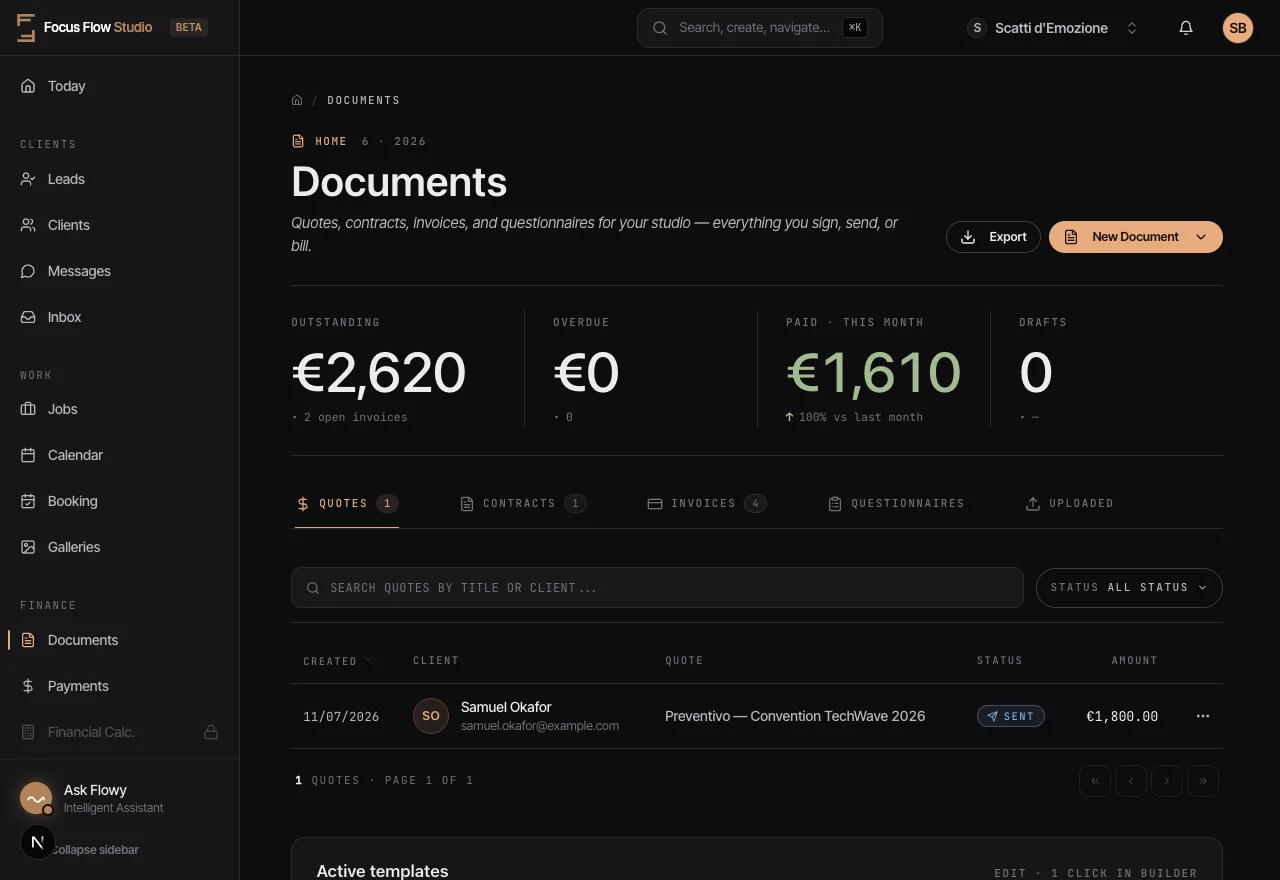
Deposits, installments and reminders, set once
Create flexible payment plans that work for you and your clients. Automated reminders mean less chasing payments, more shooting.
Chasing late payments wastes hours every week. Awkward conversations about money damage client relationships.
Set up automatic payment schedules at booking. Clients receive friendly reminders before due dates. You get paid without the awkward follow-ups.
Deposits, installments and reminders run on their own — you get paid without chasing.
Flexible Installments
Split payments into deposits, milestones, or monthly installments.
Automated Reminders
Clients receive professional reminders before each due date.
Secure Payments
Clients pay online by card or other methods you enable in Stripe; record cash or bank transfers manually.
Automatic Receipts
Professional receipts sent instantly when payment is received.
Wedding Package
The Challenge: Managing deposits, balance payments, and album add-ons across 12 months
The Result: Set it once at booking, get paid automatically throughout the year
Commercial Project
The Challenge: Client wants to pay 50% upfront, 50% on delivery
The Result: Create custom milestone payments in 30 seconds
Yes. Payment schedules break one total into multiple installments, each a separate invoice with its own due date, for example a deposit at booking, a progress payment, and a balance before delivery. Two payments suit smaller sessions and three suit most weddings. You set the plan once at booking and it runs from there.
Each installment gets its own automatic reminders before its due date, so you stop chasing payments by hand. Clients receive professional reminders that link straight to the invoice, and when they pay, the invoice is marked paid and a receipt is sent automatically. Invoice and payment-schedule reminders are sent by Focus Flow Studio on their own schedule.
Clients pay online by card through Stripe, and the invoice is marked paid automatically the moment payment clears. You can also record payments received offline, such as cash or bank transfer, manually against the invoice. This makes payment plans work whether a client pays you online or in person, with every payment tracked in one place.
No. Once the schedule is set, each installment becomes its own invoice with a due date, and reminders send automatically before each one. Partial payments show the invoice as partially paid with the remaining balance tracked. For a commercial job you can also set custom milestones, like fifty percent upfront and fifty percent on delivery.
Get contracts signed in minutes, not days
Learn more →One place for everything your clients need
Learn more →Professional emails that send themselves
Learn more →From first contact to final delivery, manage everything in one place
Learn more →Start your 14-day free trial and run your whole studio in one place.