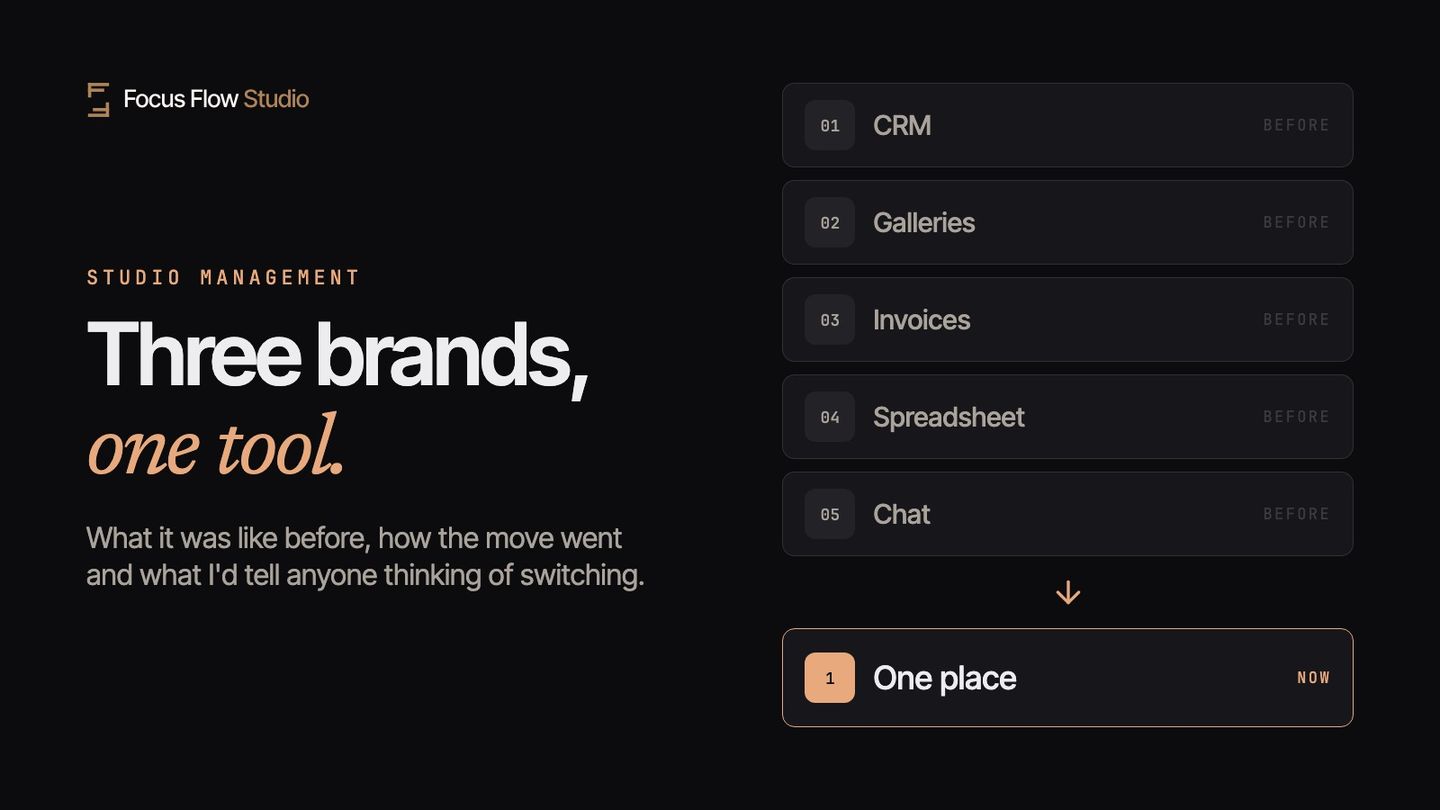
For years I looked for photography studio management software that did one simple thing: keep the quotes, contracts, deposits, invoices and galleries of my three businesses in one place, without charging me three subscriptions and without making me copy data from one program to another. I never found it. So I built it. It's called Focus Flow Studio, and since 10 November 2026 my studio has run on nothing else: Scatti d'Emozione (weddings and christenings), ProSelfie (photo booth) and Flying Dress Rome (photo shoots for people visiting the city).
This isn't a review. It's the story of what things looked like before, how the move went, including the parts that went sideways, and what I'd tell anyone thinking about switching tools. It holds even if you end up choosing something else.
1. Before: five tools, three businesses, one spreadsheet
My work is split into three businesses with different clients, prices and seasons. Weddings are booked a year ahead and delivered in the fall. The photo booth works one evening at a time. The shoots for visitors to Rome get booked days before the date, often from abroad.
To hold it all together I used a CRM on the plan that allows multiple brands, a separate gallery service where every extra brand costs more, a spreadsheet for payment plans and WhatsApp for everything else. The CRM and the galleries alone, for three businesses, came to about 100 dollars a month. On top of that I paid for the website and for a social media scheduler, nearly 60 dollars a month. Plus the time.
The time was the real cost. Every booking went through the same loop: quote in one program, contract to sign in another, deposit reconciled by hand, invoice retyped with the client's name and address, gallery delivered elsewhere in the right brand's colors. Three businesses, three times over. In busy months I lost about two hours a day just making programs talk to each other.
2. What I was still missing, even while paying
Paying for more subscriptions didn't give me everything. They were separate pieces, and every extra piece makes a photographer's life harder. These are the things that kept being missing:
- The deposit and the contract in one step. The client signed, then I waited for the transfer, then I marked it as received by hand. Three moments, three chances to forget something.
- Payment plans with reminders. Balance due 30 days before the wedding, second installment at six months: it lived in a spreadsheet, and I sent the reminders myself, when I remembered.
- Guest photos. At every christening someone asked "what about the photos the guests took on their phones?". I didn't have a clean answer.
- The right brand on everything. A Flying Dress invoice with the Scatti d'Emozione logo happened more than once.
- One place to look. "Who hasn't paid this month?" was a question I answered by opening three programs.
3. The move: what went smoothly and what didn't
I moved everything in October 2026, at the end of wedding season, with eleven shoots still to deliver. Not the ideal moment to switch tools, I know. It was the moment I had.
What went smoothly. The export from my old CRM was a set of CSV files plus a ZIP of documents. Three years of work: 727 contacts, 380 inquiries, 300 jobs, 333 invoices with 516 installments and 1,241 PDFs. The importer recognized the columns on its own, fixed the broken accented characters (anyone exporting Italian names from a US program knows what I mean) and created missing clients while importing jobs. Old contracts and invoices ended up attached to the right client, so when a couple from 2024 writes back, everything is right there.
What didn't go smoothly. Three things, and I'm listing them because they'll happen to you too:
- I imported my own mistakes. In the old program I'd had a tax setting applied to every invoice for years, convinced it was required. Under my tax regime it isn't. The import faithfully copied that setting onto my brands, and I only noticed while reviewing the first new invoice. Lesson: before importing, look at the settings you're carrying over, not just the data.
- The new tool's emails can land in spam. The first "new inquiry from your form" notifications went to a folder I wasn't checking. Lesson: on the day you switch, send a test inquiry through your own form and check where it lands. Then turn on phone notifications too.
- The things that have no home. Every CRM has fields the other one doesn't. In my case it was notes written in odd places and a few labels I'd invented over the years. The importer listed them at the end as "to redo by hand". There weren't many, but it took me an evening.
4. A typical week now
On Monday I look at one page: new inquiries across the three businesses, quotes waiting for an answer, installments coming due. Inquiries arrive from the forms on the three websites and become leads on their own, under the right brand.
When a client says yes, I send them a link. From there they pick the date, sign the contract and pay the deposit. I get a notification, and the job is already on the calendar, with the installments set by the payment plan I chose. Payment reminders are a switch: I turn them on when I need them, and from then on they go out on their own.
After the shoot I deliver the gallery in the brand's colors: the client picks favorites, downloads the originals, orders prints if they want to. When the gallery expires, the originals move into the backup, included on every plan up to 5 TB per account, for as long as the subscription is active. If the couple writes back two years later, I can still find their photos.
And "who hasn't paid this month?" I ask Flowy, the assistant inside the app: it reads the invoices and drafts the reminder. I send it, after reading it.
5. What I recommend to anyone switching tools
This advice holds for any tool, including the one you use today if you decide to stay.
- Export everything before you decide. If your current software won't let you download contacts, jobs, invoices and documents in an open format, that's reason number one to leave. Try the export today, if only to know what you'd take with you.
- Switch in the off-season, and not all at once. November to February for wedding photographers. If you have more than one brand, start with the quietest one and use what you learn on the others.
- Keep the old tool in read-only mode for a month. Don't cancel on day one. You'll need it to check an invoice number or a date.
- Check the settings, not just the data. Tax rates, invoice numbering, contract text, automated emails: that's where old mistakes hide (my tax setting was there).
- Run the full loop with a fake client. Inquiry through the form, quote, contract, deposit, invoice, gallery. If one step forces you out of the program, you'll know right away where you'll be losing time.
- Add up what you actually pay. CRM, galleries, contract signing, invoicing, backup, any commission on prints. That total is what you should compare, not the price of the base plan.
6. How I do it in Focus Flow Studio
This is for anyone who wants to see how it works in my case, not to convince you: the advice above holds either way.
- Three brands, one subscription. On the Studio plan I get up to three brands, each with its own logo, colors, forms, templates and galleries. Storage and clients are shared. How multi-brand works
- From form to lead. The contact form lives on the website or in the Instagram bio; every inquiry becomes a lead under the right brand. The CRM for photographers
- Booking with contract and deposit. One link: date, signature, payment. The booking page
- Quotes, invoices and payment plans. An accepted quote becomes an invoice without retyping anything; split the balance into installments and, if you want, turn on payment reminders.
- Galleries and backup. Galleries in the photographer's brand, originals in the backup up to 5 TB per account on every plan, as long as the subscription is active. Free backup
- Data import. From Settings → Import: a CSV or Excel export from any CRM, plus a ZIP of documents.
It starts at €19 a month, the launch price for anyone who subscribes by 31 March 2027; full pricing is on the pricing page. The trial is 14 days, no card.
7. Frequently asked questions
Can I bring my data over from another CRM?+
Yes. You import contacts, leads, jobs and payments from CSV or Excel files, and documents from a ZIP. Columns are recognized automatically and missing clients are created during the import.
How long does the move take?+
It depends on how much data you have. In my case, with three years of work and three brands, the import took about five minutes and I spent one evening on the things to redo by hand. I help the first ten photographers who join with their import myself, by email.
Can I run more than one brand on a single subscription?+
On the Studio plan, up to three brands, each with its own logo, colors, forms and galleries. Starter includes one brand.
What if I want to leave one day?+
You export everything whenever you want, photo originals included, from Settings → Export. If the subscription ends, online galleries stay up for 30 days and the backup for 90: you can download everything in that time.
Does it work with international clients?+
The app, galleries and client portal come in six languages: English, Italian, German, Spanish, French and Romanian. My brand for visitors to Rome works almost entirely in English.
Who answers if I have a problem?+
I do, by email, within 24 hours on business days. Inside the app there's Flowy, any time.
If you're thinking about switching tools, start with the six points in section 5: you'll need them whatever you choose. If you then want to see how I work, the Focus Flow Studio trial runs 14 days and doesn't ask for a card.
Stefan has been a wedding and christening photographer in Rome since 2014 with Scatti d'Emozione. He built Focus Flow Studio to run his own business, and today it runs all three of his brands.