
Starter
Online Booking
Your public booking page — clients book 24/7, without the back-and-forth
Share your own booking page: clients see your real availability and book a session directly. Automatic conflict detection prevents double-bookings.
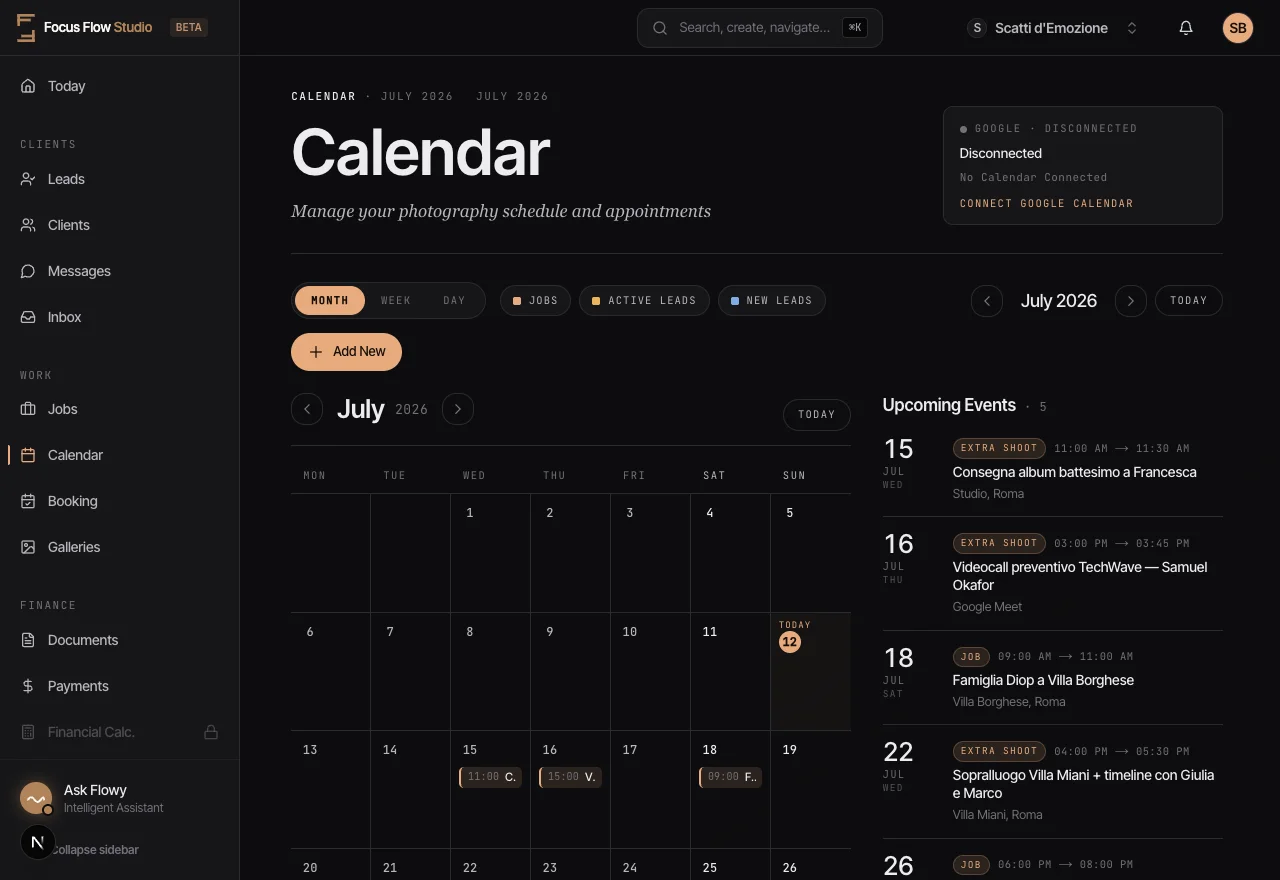
Your public booking page — clients book 24/7, without the back-and-forth
Share your own booking page: clients see your real availability and book a session directly. Automatic conflict detection prevents double-bookings.
Endless email chains just to find a date that works. Manual calendar checks lead to double-bookings and embarrassing apologies.
You get a public booking page to share anywhere — website, Instagram bio, email signature. Clients see your real availability and book instantly. Syncs with Google Calendar; automatic confirmations keep everyone informed.
Clients book straight from your real availability — without the email ping-pong.
Public Booking Pages
Your own booking link, ready to share anywhere your clients are.
Real-Time Availability
Clients see only the slots your booking settings leave open.
Conflict Detection
Automatic conflict checks help you avoid double-bookings.
Instant Confirmations
Clients receive confirmation emails automatically.
Google Calendar Sync
Two-way sync keeps everything in one place.
Portrait Sessions
The Challenge: Managing mini-session slots during busy season
The Result: Clients book available slots themselves, you just show up and shoot
Multiple Locations
The Challenge: Shooting in different cities with travel time between
The Result: Buffer times automatically block conflicting bookings
Yes. You get your own public booking page to share on your website, Instagram bio, or email signature, where clients see your real availability and book a session themselves. You can auto-confirm bookings or require manual approval, and each confirmed booking creates the lead, the job, and the calendar event for you automatically.
Conflict detection checks your calendar whenever a booking comes in and warns on or blocks overlaps, including ones that fall inside your buffer time. The booking page offers only slots inside your working hours, outside blocked dates, existing jobs and calendar events you have marked as blocking.
Yes. Focus Flow Studio offers two-way sync with Google Calendar, so jobs and events appear on your phone and changes stay in step both ways. Once connected, Google Calendar sends the event reminders using your own notification preferences. Buffer time for travel or setup is factored into session scheduling automatically.
Yes. You set buffer time for travel, setup, or an editing break, and the booking page factors it in so back-to-back sessions in different locations don't collide. You also set weekly working hours and block dates for holidays or vacations, and the page offers only the dates left open.
Start your 14-day free trial and run your whole studio in one place.